
Chevrolet Equinox Service Manual: Operation Entertainment Audio-Visual
Controls
The infotainment system is operated by using the pushbuttons, multifunction knobs,display menus, and steering wheel controls, if equipped.
Turning the System On or OffVOL/ O (Volume/Power)Press to turn the system on and off.
Automatic Switch-Off
If the infotainment system has been turned on after the ignition is turned off, thesystem will turn off automatically after 10 minutes.
Volume ControlVOL/ O (Volume/Power)Turn to adjust the volume.
5 / - (Mute)For vehicles with OnStar, press and hold 5 / - to mute the infotainment system. Press and hold 5 / - again, or turn the VOL/ O knob to cancel mute.
For vehicles without OnStar, press 5 / - to mute the infotainment system. Press 5 / - again, or turn the VOL/ O knob to cancel mute.
Menu SystemControls
The MENU/SEL knob and the E BACK button are used to navigate the menu system.
MENU/SEL (Menu/Select)Press to:
Enter the menu system.Select or activate the highlighted menu option.Confirm a set value.Turn a system setting on or off.Turn to:
Highlight a menu option.Select a value.E BACKPress to:
Exit a menu.Return from a submenu screen to the previous menu screen.Delete the last character in a sequence.RADIO/BANDPress to:
Displays menu of AM, FM, XM, CD, or AUX.Press to toggle through menu.Selecting a Menu Option
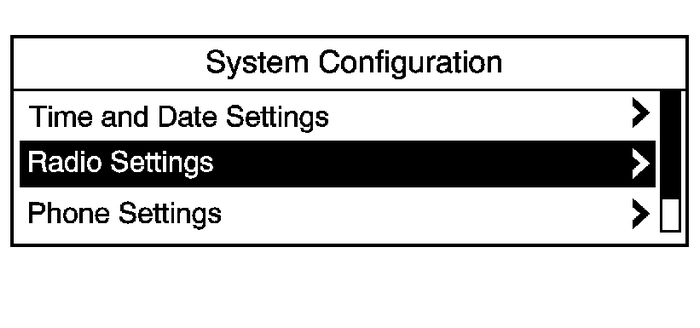
Submenus
An arrow on the right-hand edge of the menu indicates that it has a submenu with otheroptions.
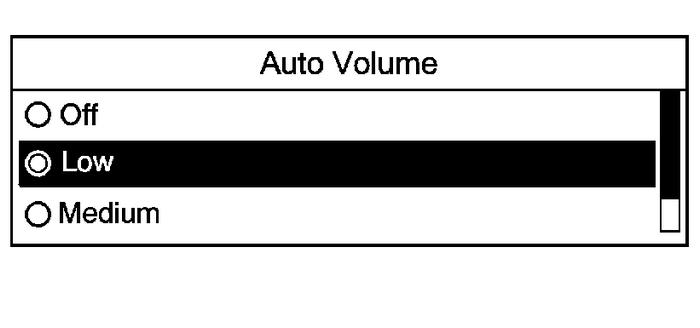
Activating a Setting
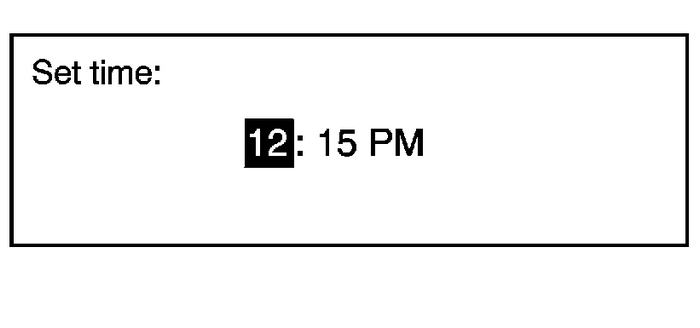
Setting a Value
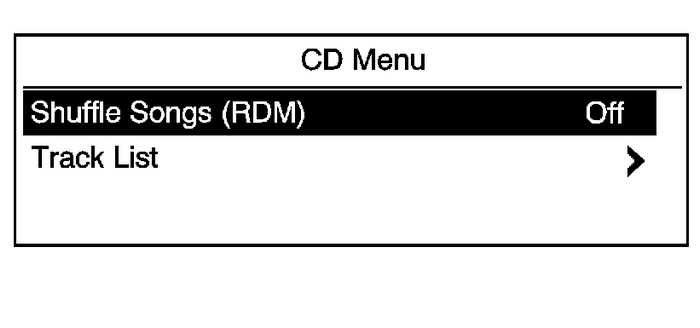
Turning a Function On or Off
Entering a Character Sequence
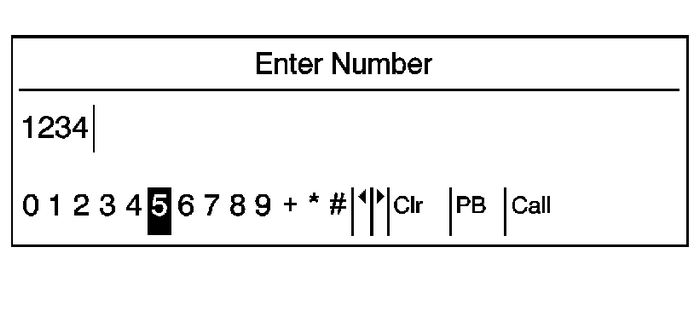
Press the E BACK button to delete the last character in the sequence or press and hold to delete theentire character sequence.
Audio SettingsThe audio settings can be set for each radio band and each audio player source.
To quickly reset an audio setting value to 0:
Press the TONE button.Select the audio setting.Press and hold the MENU/SEL button until the value changes to 0.Press the E BACK button to go back to the Tone Settings menu.
Adjusting the Treble, Midrange, and Bass
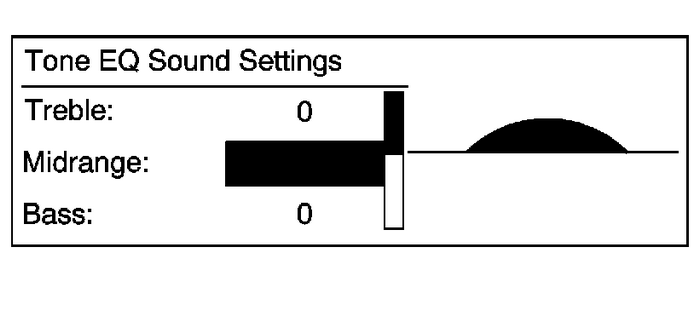
Press the E BACK button to go back to the Tone Settings menu.
Adjusting the Fader and Balance
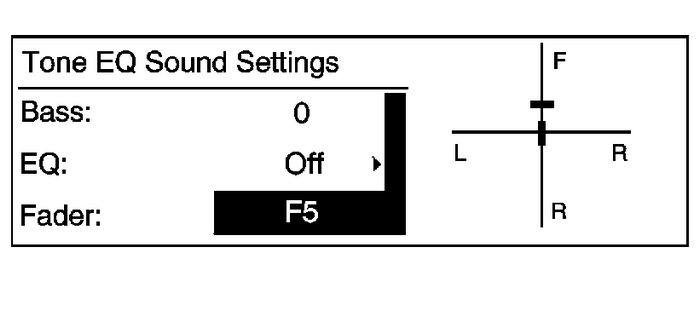
Press the E BACK button to go back to the Tone Settings menu.
Adjusting the EQ (Equalizer)
For vehicles that have an equalizer:
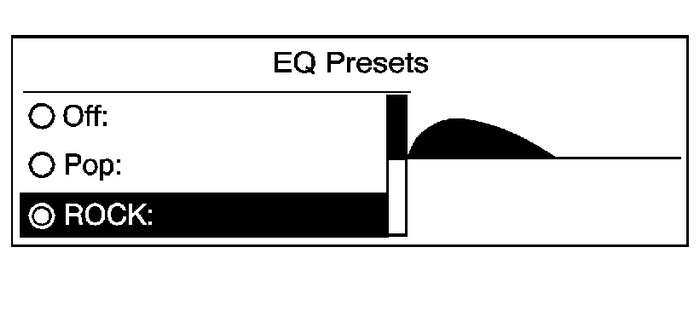
Press the TONE button.Select EQ.Select the setting.
Press the E BACK button to go back to the Tone Settings menu.
System SettingsConfiguring the Number of Favorite Pages
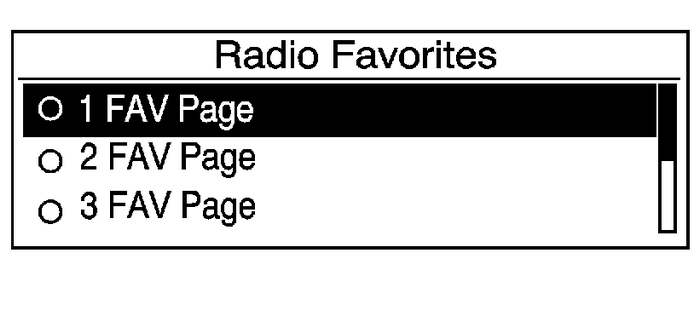
To configure the number of available favorite pages:
Press the CONFIG button.Select Radio Settings.Select Radio Favorites.Select the number of available favorite pages.Press the E BACK button to go back to the System Configuration menu.Auto Volume
The auto volume feature automatically adjusts the radio volume to compensate for roadand wind noise as the vehicle speeds up or slows down, so that the volume level isconsistent.
The level of volume compensation can be selected, or the auto volume feature can beturned off.
Press the CONFIG button.Select Radio Settings.Select Auto Volume.Select the setting.Press the E BACK button to go back to the System Configuration menu.
Maximum Startup Volume
The maximum volume played when the radio is first turned on can be set.
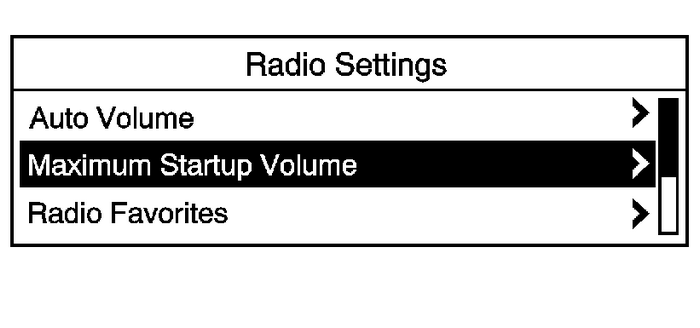
Press the CONFIG button.Select Radio Settings.Select Max Startup Volume.Select the setting.Press the E BACK button to go back to the System Configuration menu.
 Communication Interface Module Replacement Entertainment
Communication Interface Module ReplacementCalloutComponent NamePreliminary ProcedureRemove the driver side knee bolster reinforcement. Refer toDriver Knee Bolster Reinforcement Replacement1Communicati ...
 Digital Video Antenna Cable Replacement Entertainment
Digital Video Antenna Cable ReplacementCalloutComponent NamePreliminary ProceduresRemove the radio. Refer toRadio Replacement.Remove the driver side knee bolster reinforcement. Refer toDriver Knee Bol ...
Other materials:
Detecting the Vehicle Ahead
FCA warnings will not occur unless
the FCA system detects a vehicle
ahead. When a vehicle is detected,
the vehicle ahead indicator will
display green. Vehicles may not be
detected on curves, highway exit
ramps, or hills, due to poor visibility;
or if a vehicle ahead is partially
blocked ...
